
R3X Tools — Twenty Developer Utilities, No Accounts
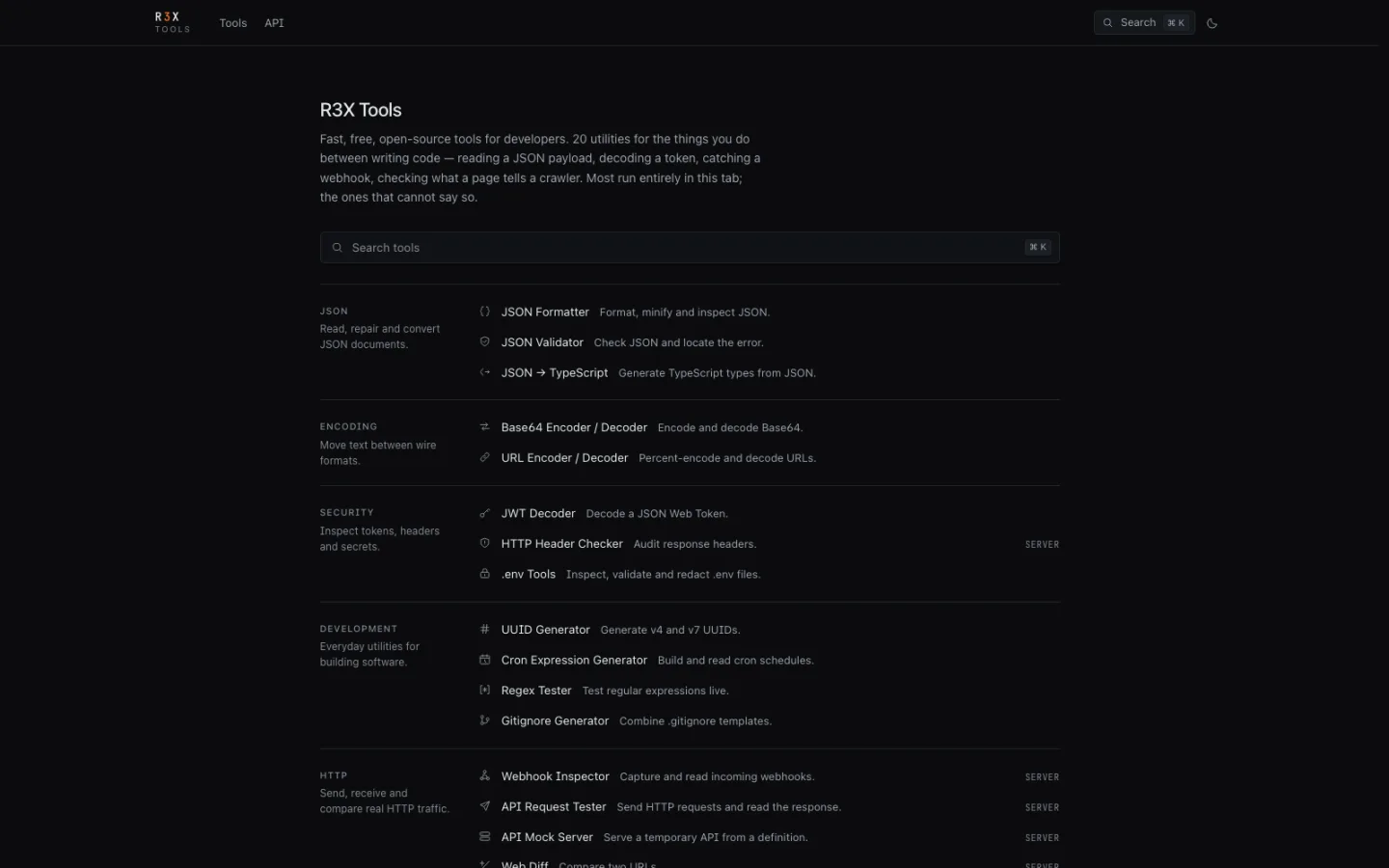
Format JSON, decode a JWT, test a regex, read a cron expression, catch a webhook, mock an API. Twenty tools, most running entirely in the browser tab — no account, no ads, no tracking.
Technologies Used
Screenshots
Project Overview
The tools you reach for between writing code — reading a JSON payload, decoding a token, checking what a page tells a crawler — are dominated by sites that want an account, run four ad networks, and send whatever you paste to a server.
R3X Tools is twenty of them with none of that. Most run entirely in your tab;
the ones that cannot say so explicitly, marked SERVER in the listing.
What is in it
- JSON — formatter, validator that locates the actual error, and a JSON-to-TypeScript type generator
- Encoding — Base64 and URL encode/decode
- Security — JWT decoder, HTTP header auditor, and a
.envinspector that validates and redacts - Development — UUID v4 and v7, cron expression builder and reader, live
regex tester,
.gitignorecomposer - HTTP — webhook inspector, request tester, temporary API mock server, and a diff between two URLs
- Web metadata — Open Graph card preview,
robots.txtbuilder, and a URL list tositemap.xmlconverter - Time — Unix timestamp conversion
No account, no ads, no tracking, open source.
Architecture & Technical Implementation
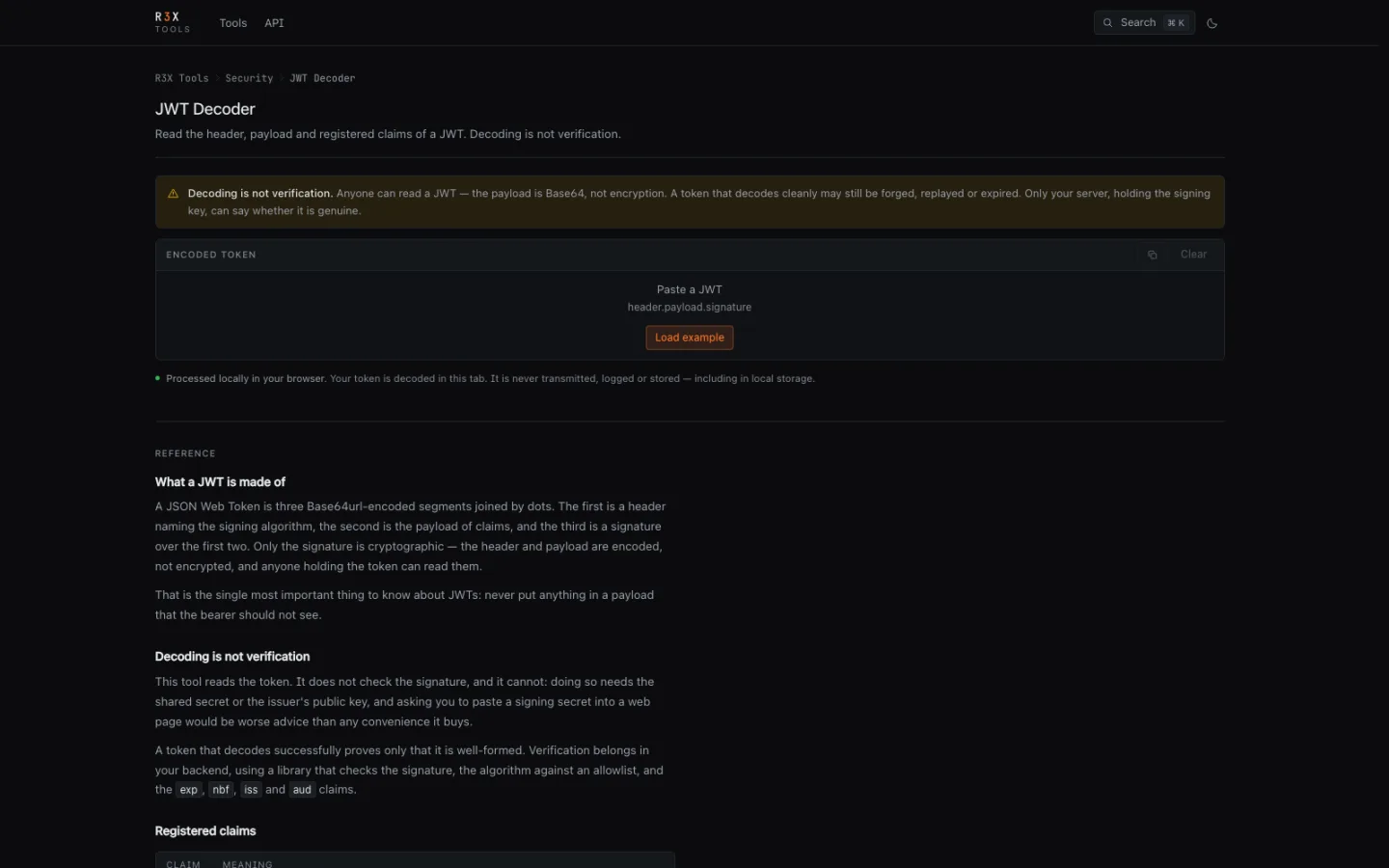
The organising rule is where the work happens, and saying so. A JWT decoder
that posts your token to a server is a credential-harvesting endpoint wearing a
convenient hat. Anything that can run locally does, and the four tools that
genuinely need a server — webhook capture, request testing, API mocking, URL
diffing — are labelled SERVER in the index rather than left ambiguous.
Heavy parsing runs in Web Workers, so a 40 MB JSON file formats without locking the tab, and the editor stays responsive while it works.
Each tool is independent and loaded on demand, so opening the timestamp converter does not pull in the regex engine or the QR encoder.
Engineering Challenges & Solutions
Twenty tools is twenty chances to be mediocre. The temptation with a collection like this is a thin wrapper per utility and a long index page. The useful version needs each tool to be the one you would actually choose — the JSON validator has to point at the character that broke, not just say "invalid", because "invalid" is what every other one says.
The second problem is discovery. Twenty items is past the point where a list
works; it needs categories that match how the tools are reached for, a search
that responds to what you would type rather than the exact tool name, and a
keyboard path (⌘K) for the people who use this daily.
What Was Learned
The differentiator for a developer utility is not features — it is not being
creepy about the input. Everything pasted into these tools is, by definition,
something you were already handling: a live token, a production payload, a real
.env.
Being able to say truthfully that it never left the tab is worth more than any feature that would require it to.
You may also like
DropNote — Encrypted Notes That Delete Themselves
Write it, lock it, drop it. Notes encrypted in the browser with AES-256-GCM, shared by link, and destroyed on a schedule you set — the server never holds a key.
Web ApplicationsTinyLink — Short Links That Do the Whole Job
A URL shortener with real analytics, in-process QR codes, expiring and password-protected links, bio pages and a REST API — written in plain PHP with no build step.
Web ApplicationsTLDRadar — Domain Price Intelligence
Live registrar price comparison across 50+ ICANN registrars, surfacing the renewal markups and promo codes that a first-year headline price hides.